Barometer gradient and climbing
RideHero measures climbing and gradient with the phone's barometer by default, taken over the last 18 m, so the gradient stays steady and follows the road. You can switch to GPS at any time; both are always recorded.
Barometer or GPS
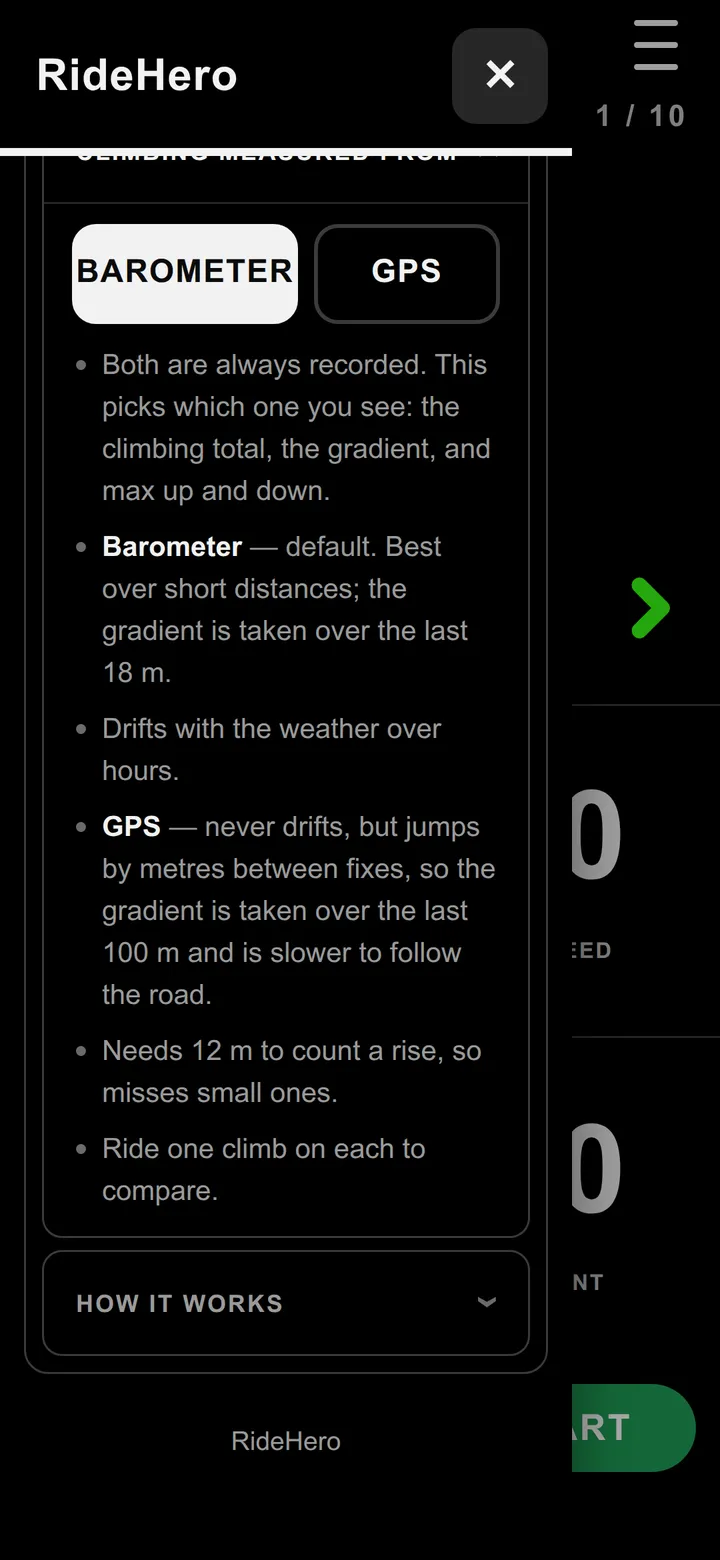
Menu > Account & settings > Climbing measured from picks which one you see - the climbing total, the gradient, and max up and down.
- BAROMETER (default) - best over short distances; the gradient is taken over the last 18 m. It drifts with the weather over hours.
- GPS - never drifts, but jumps by metres between fixes, so the gradient is taken over the last 100 m and is slower to follow the road. It needs 12 m to count a rise, so it misses small ones.
On a phone without a barometer, choose GPS. Not sure which suits you? Ride one climb on each and compare.
Seeing your climbing
Put gradient, altitude, max up and max down on any page with the page builder; the nine-number and map pages can show the climb chart. After the ride, the ride page has the height profile, and with backup on, the dashboard lists your climbs.
Questions
How does RideHero measure gradient?
With the phone's barometer by default, over the last 18 m, so the number follows the road. You can switch to GPS, which never drifts but is slower to follow the road.
Barometer or GPS - which is better?
The barometer is best over short distances but drifts with the weather over hours. GPS never drifts but jumps between fixes and misses rises under 12 m. Both are always recorded, so you can ride one climb on each and compare.
Still stuck? Email admin@gotyou.co.za - we read every message.