Your phone is the bike computer.
RideHero is a free Android app that turns your phone into a cycling computer for road, gravel and mountain biking: big numbers, maps, barometer gradient, Bluetooth sensors, a live tracking link and free backup. No ads.
- Free, no ads
- Road, gravel and MTB
- Bluetooth heart rate, cadence and power
- No account needed
- Export GPX and FIT
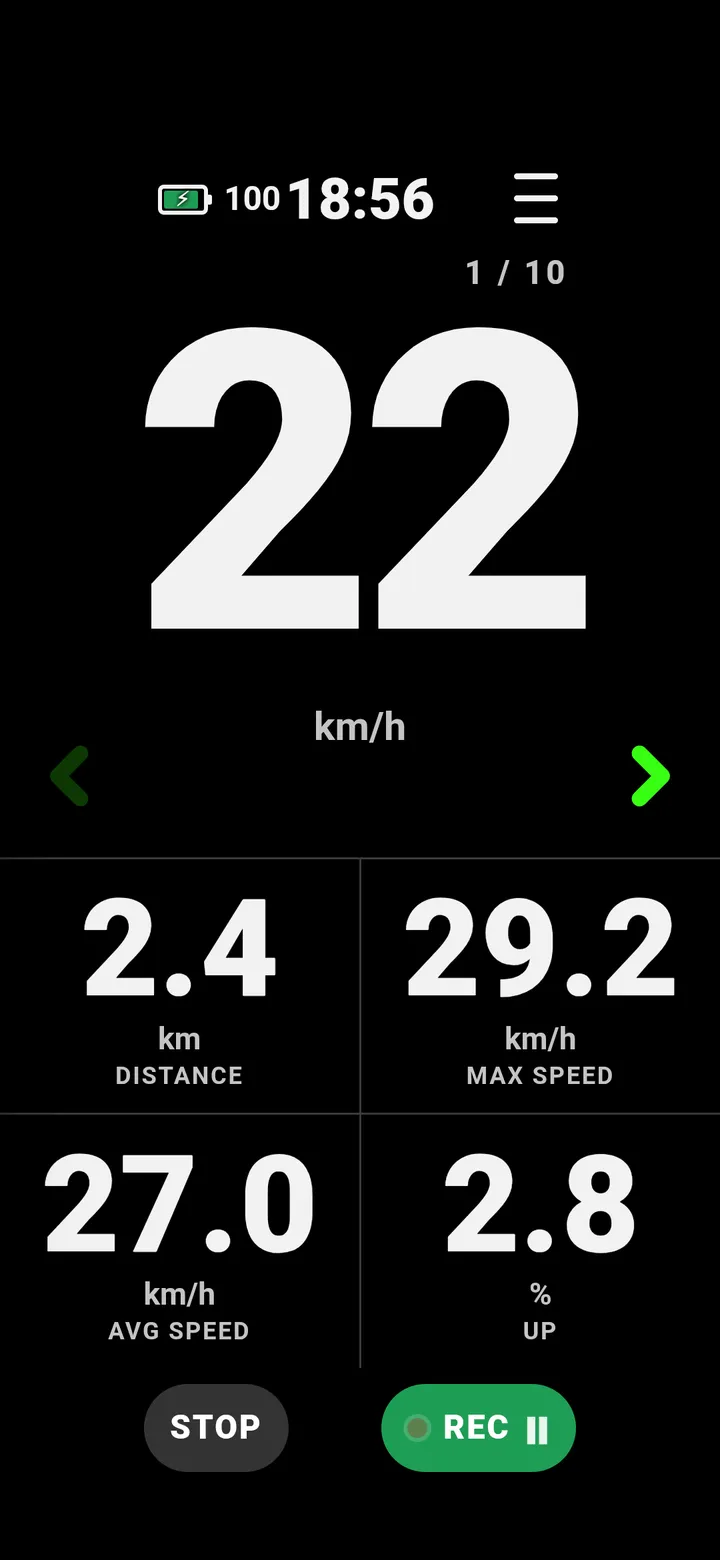
Big numbers, made for the bike
Speed in digits you can read in sunlight on a rough trail, with the numbers that matter around it. Swipe between pages: big numbers for rough ground, nine numbers at once for a stop, and the map.
- Make two pages your own - pick the numbers they show.
- Road, gravel and MTB each keep their own pages.
- Start, pause and stop work on a hold, so a bump doesn't end your ride.
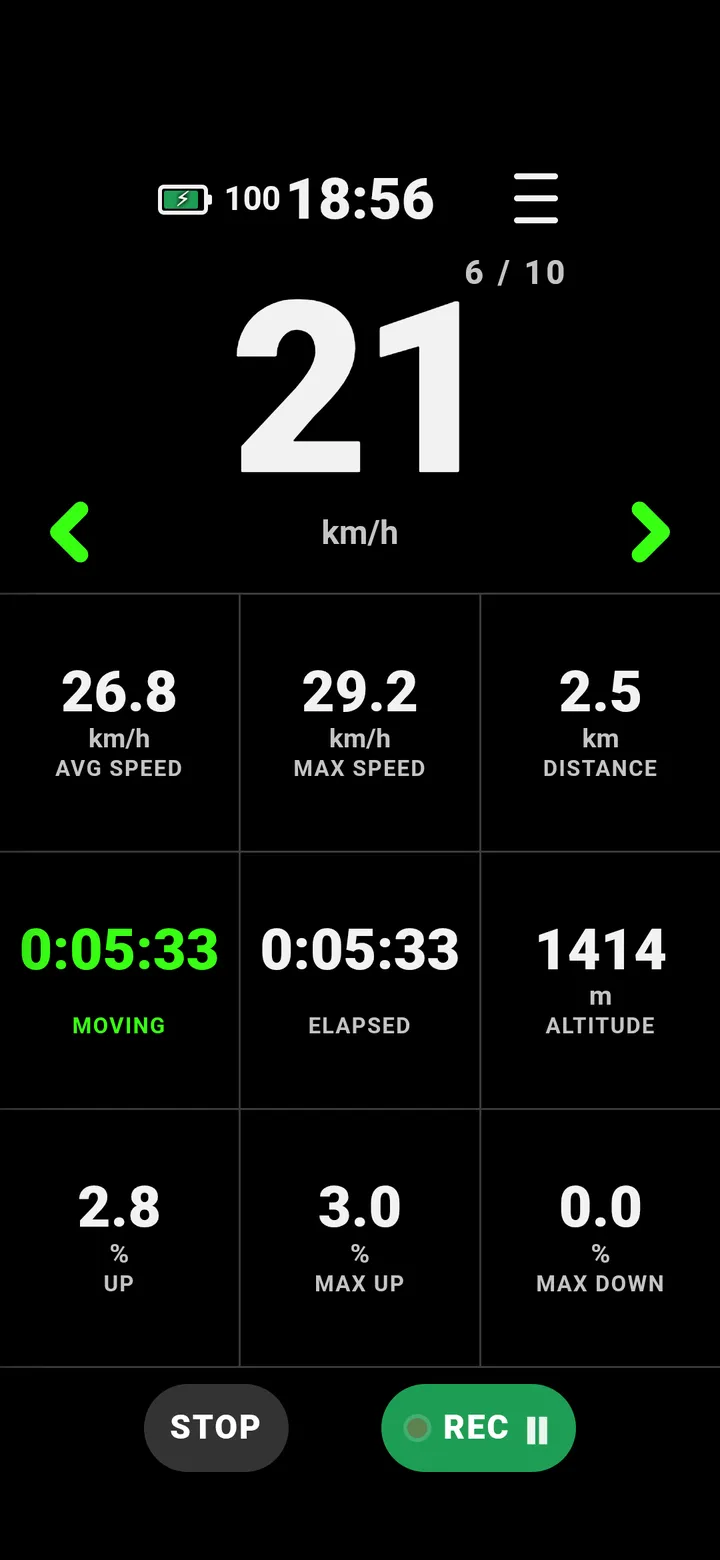
Gradient from the barometer
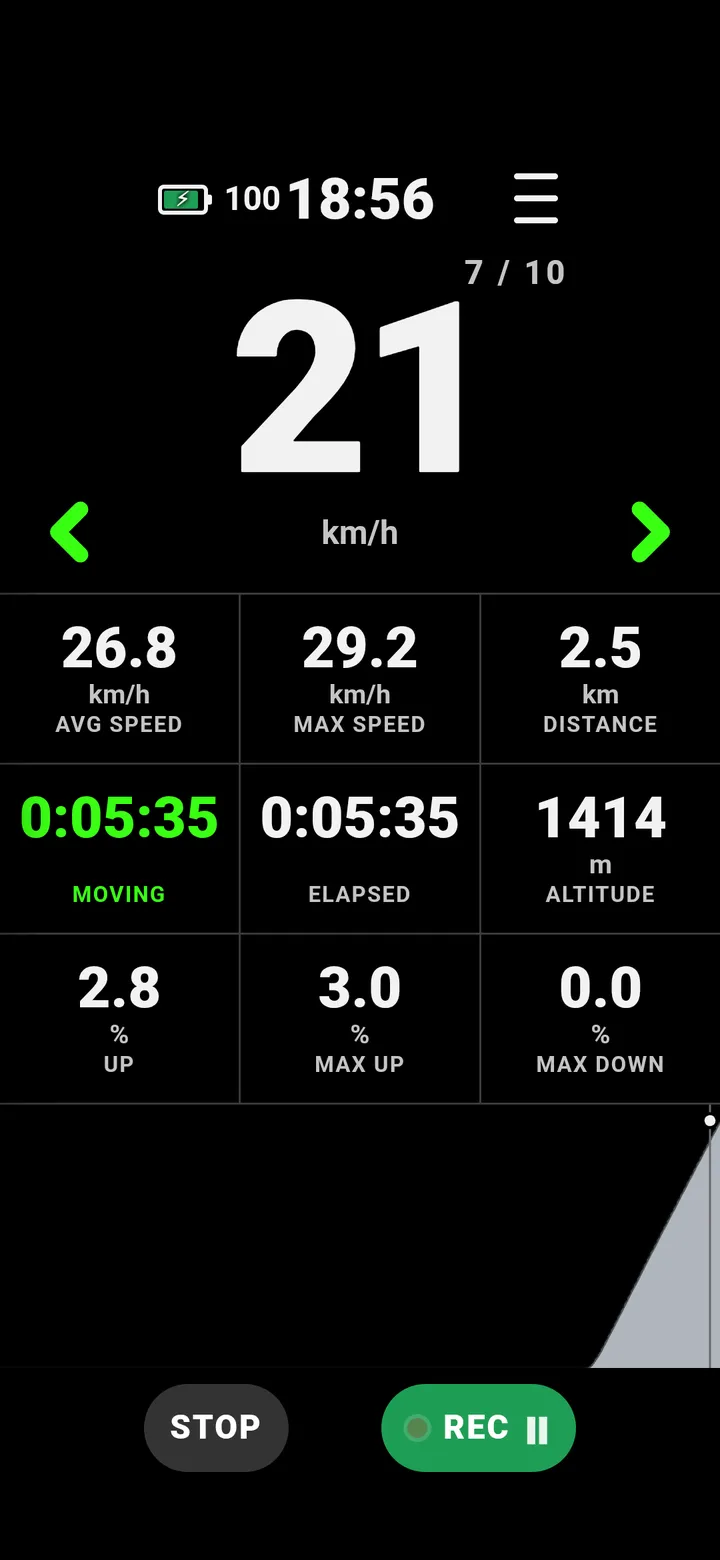
RideHero measures climbing and gradient with your phone's barometer, taken over the last 18 m, so the gradient stays steady and follows the road instead of jumping between GPS fixes. The climb chart shows the hill as you ride it.
- Barometer by default, GPS if you prefer - both are always recorded.
- Gradient, altitude, max up and max down on any page.
A map that rides with you
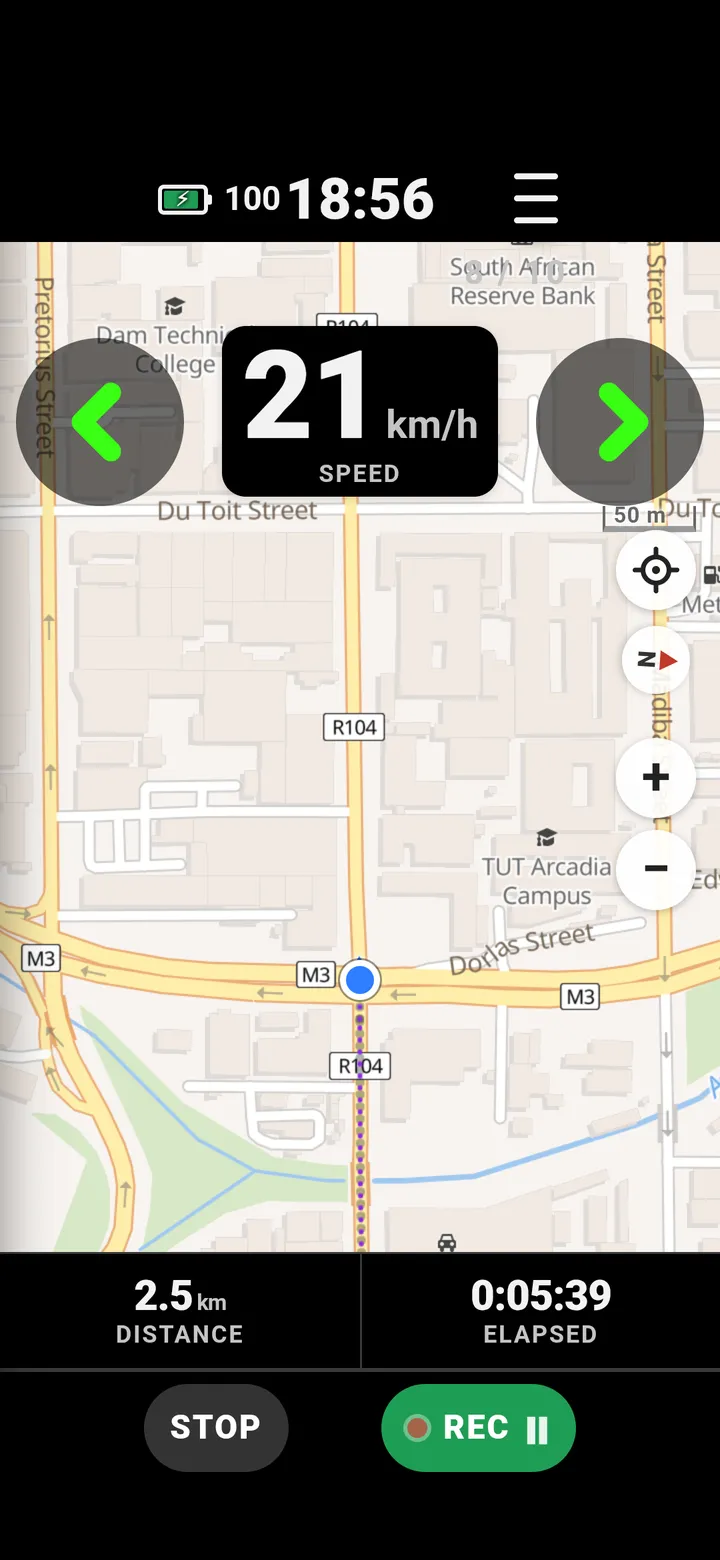
Cycle, Path, Standard and OSM Bright map styles - Path shows every trail. Your track draws behind you, and the map turns with you or stays north up.
- Track up puts the road ahead above you, like car navigation.
- Show a past ride as a faint ghost line to follow.
Everything a bike computer does - free
No ads, no feed.
Track me
Send a live link by WhatsApp or any app. They follow you on a map in their browser - no app or account.
Bluetooth sensors
Heart-rate straps, speed and cadence sensors and power meters. No meter? Add your weight for estimated power.
Voice updates
Distance, speed, time and heart rate read out every 1, 2 or 5 km or miles. Music ducks under it.
Free backup and dashboard
Sign in, turn Backup on: every ride saved, with your rides, climbs and totals on ridehero.app.
Bring your history
Import GPX, FIT or TCX files, or a whole data export in one go. Export any ride as GPX or FIT.
Screen and mounts
Dark or light, sideways mounting, dimming to save battery, and a setting for strap mounts.
How to start
Install
Get RideHero from Google Play and allow location, notifications and unrestricted battery, so rides keep recording with the screen off.
Mount
Put the phone in any handlebar holder. Strap mount? One setting moves the controls clear of the bands.
Ride
Hold START. Hold again to pause, hold STOP to save. No account needed - turn on backup when you want it.
What you see on the bars
Questions riders ask
Is RideHero free?
Yes. Everything on this site is free, and the app has no ads. RideHero is still in active development, and some premium features further along the roadmap will need a subscription.
Does it work on iPhone?
Not yet. RideHero is an Android app on Google Play.
Do I need an account?
No. Without an account your rides stay on your phone. Sign in only if you want backup and the web dashboard.
Does it work without mobile signal?
The ride records without signal. The map needs signal to load, and Track me points are sent when the signal returns.
Which sensors work?
Standard Bluetooth heart-rate straps, speed and cadence sensors, and power meters.
Put the phone on the bars and ride.
RideHero is free on Google Play.
Get it on Google Play